Walkthrough
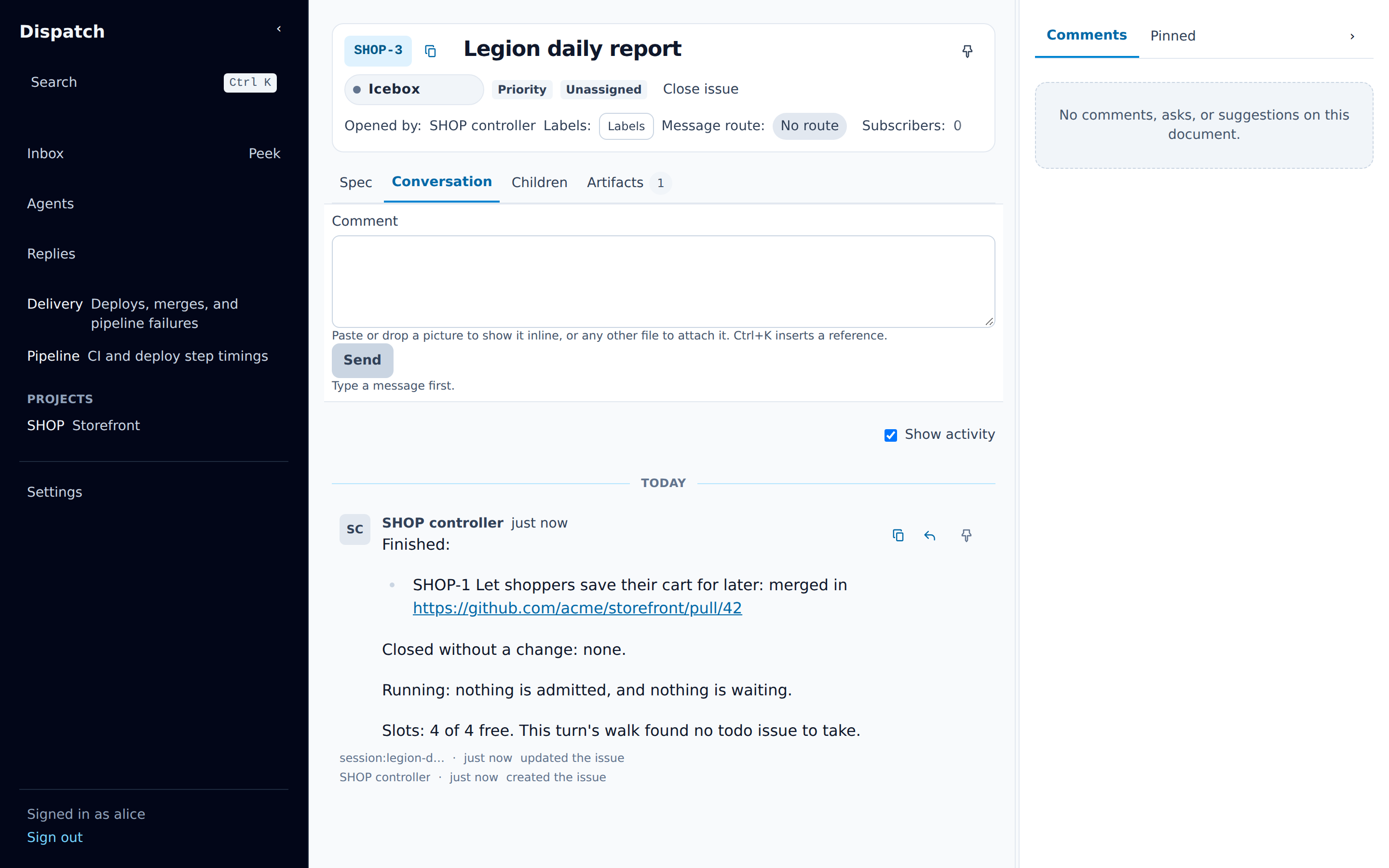
This page follows one issue through Legion, step by step, and each step names what you see. The
screenshots and the narrated video show example data: a Storefront project in Dispatch. The two
terminal recordings in the operator’s view show an example daemon:
legion status, legion state and legion claims list, then the controller starting and
registering with it.
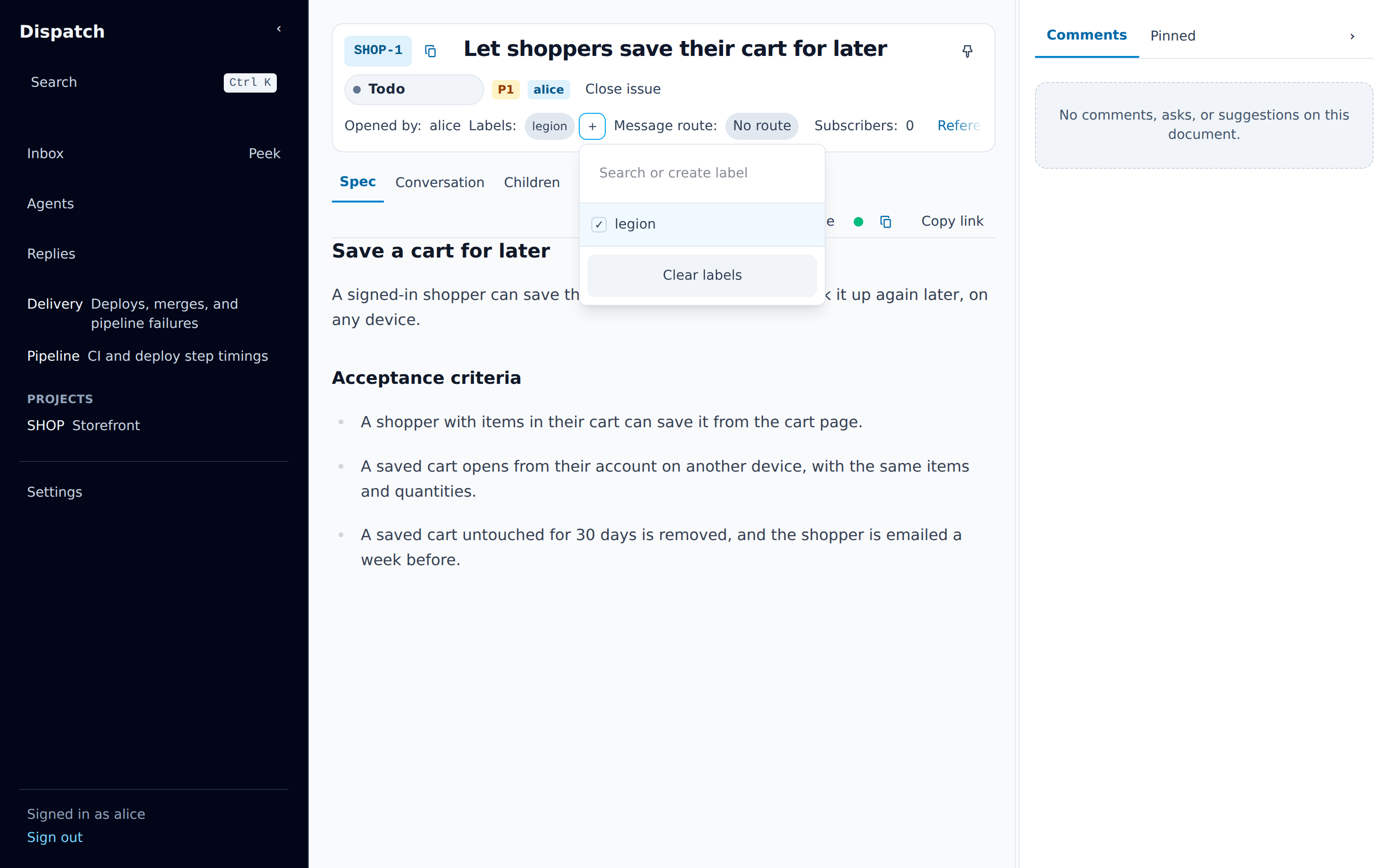
1. Hand the issue over
Section titled “1. Hand the issue over”The issue has a title that states the outcome and a spec with acceptance criteria. You add the
legion label from the issue header and set the status to todo.
2. Admission and the architect’s claim
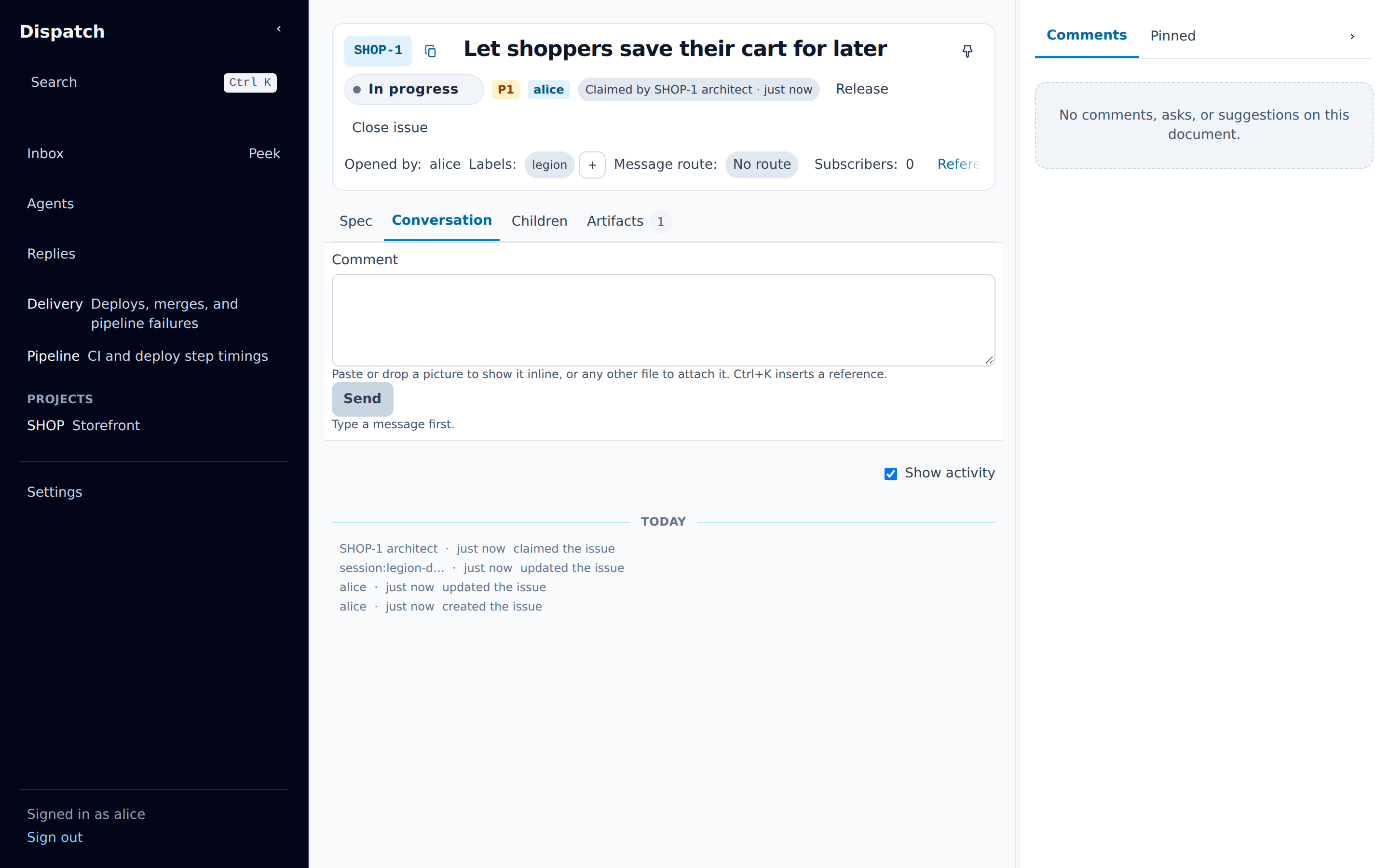
Section titled “2. Admission and the architect’s claim”With a slot free, the daemon admits the issue: the status becomes in_progress, and moments later
the architect claims it, so the issue shows it as claimed by Legion’s session.
3. Decisions and the spec approval
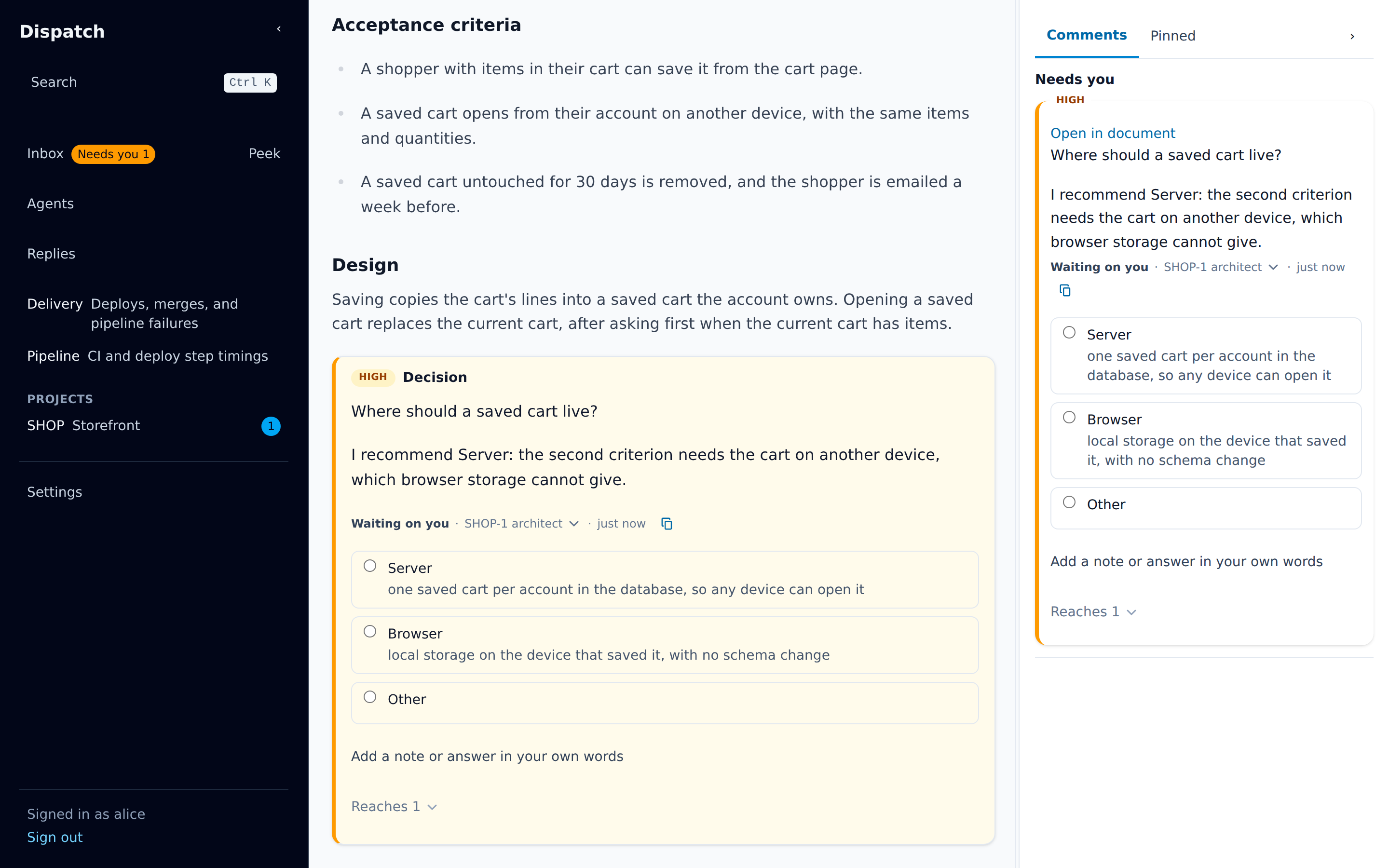
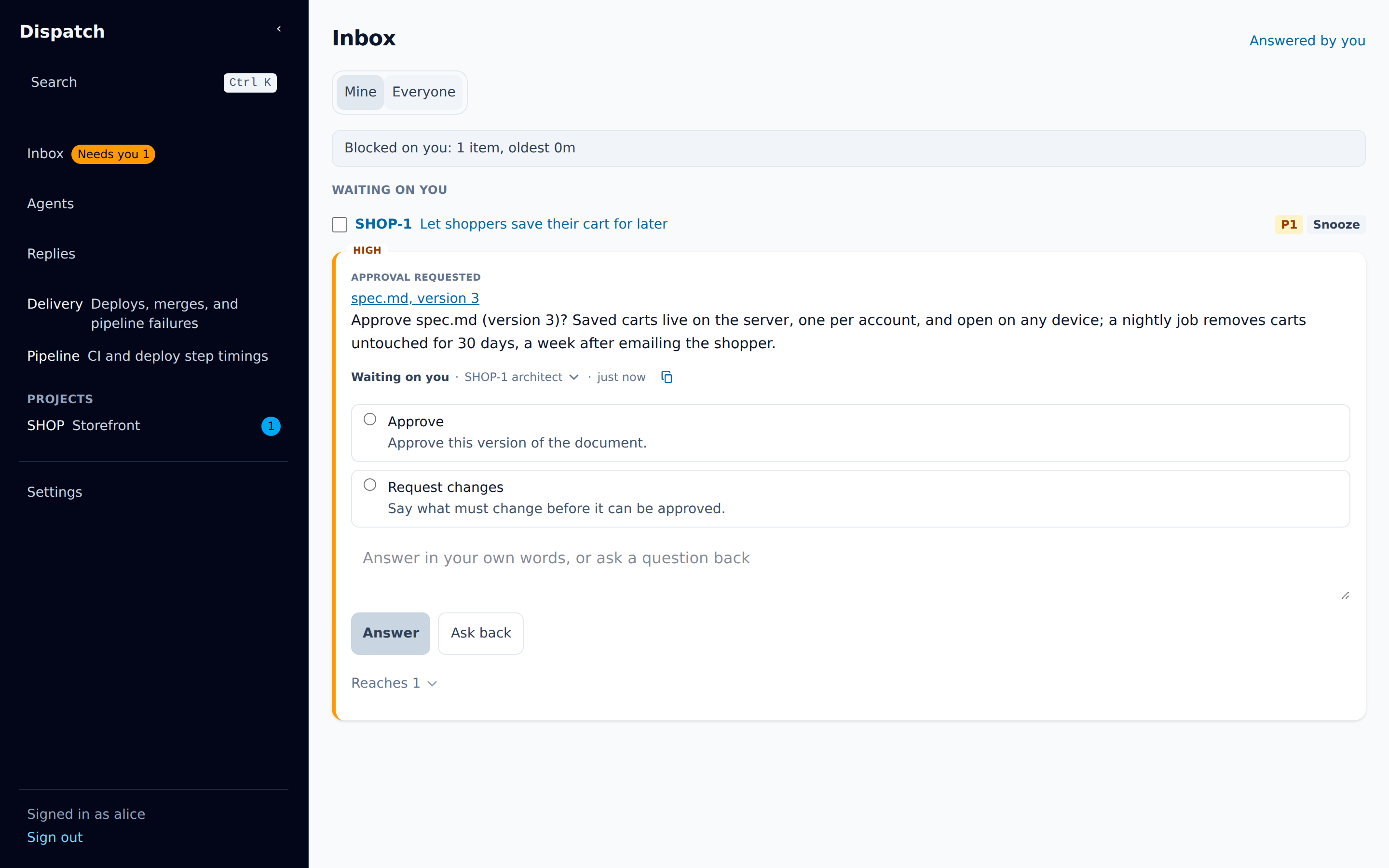
Section titled “3. Decisions and the spec approval”The architect grows the spec into a design and writes each open question as a decision block, which reaches the assignee’s Inbox. Once every block is answered, it asks for approval with a summary.
4. The phases run
Section titled “4. The phases run”After approval the daemon starts the planner, then the implementer, which opens the pull request,
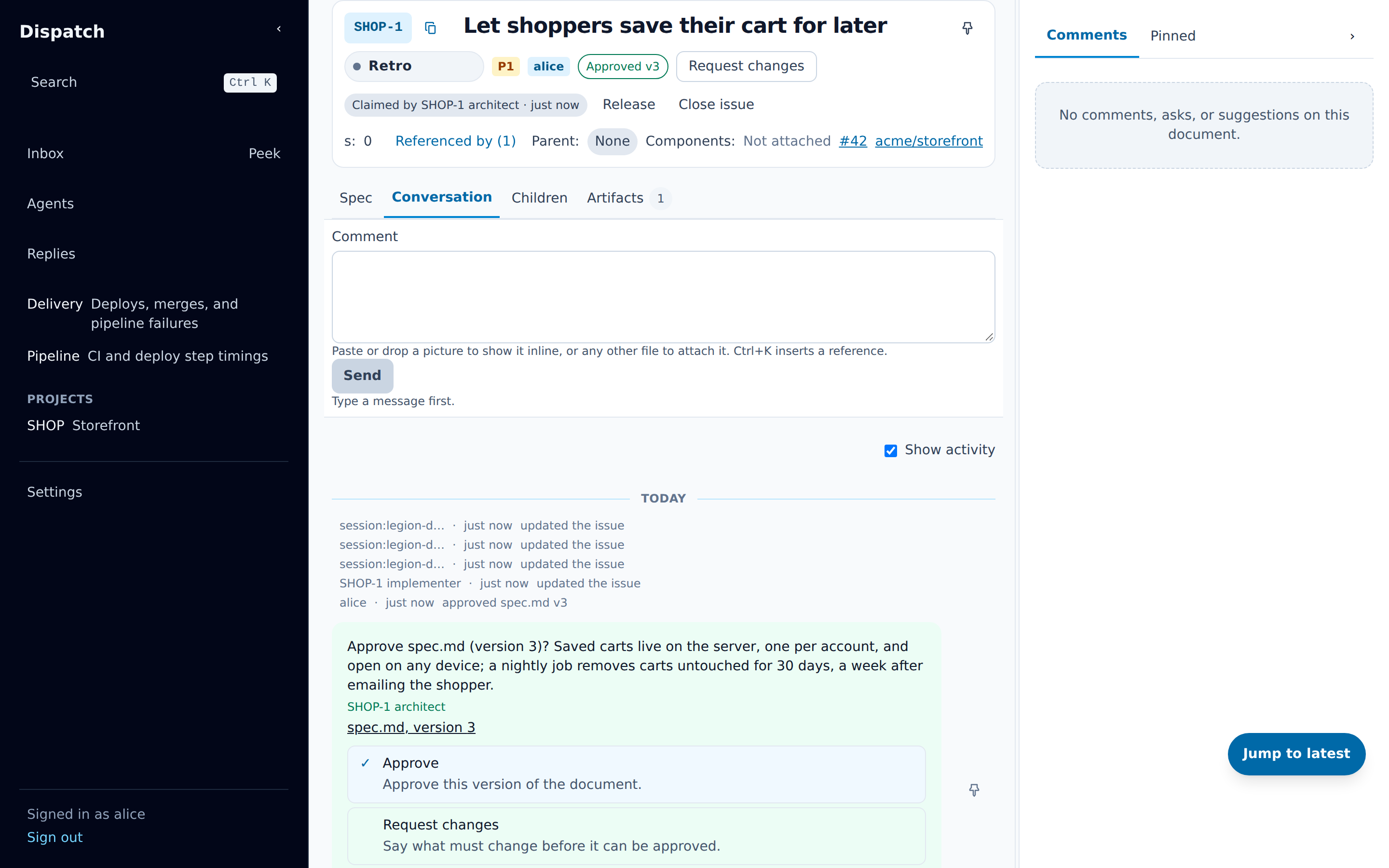
then the tester and the reviewer. The issue’s status follows: in_progress, testing,
needs_review, then retro once the reviewer approves.
5. The pull request
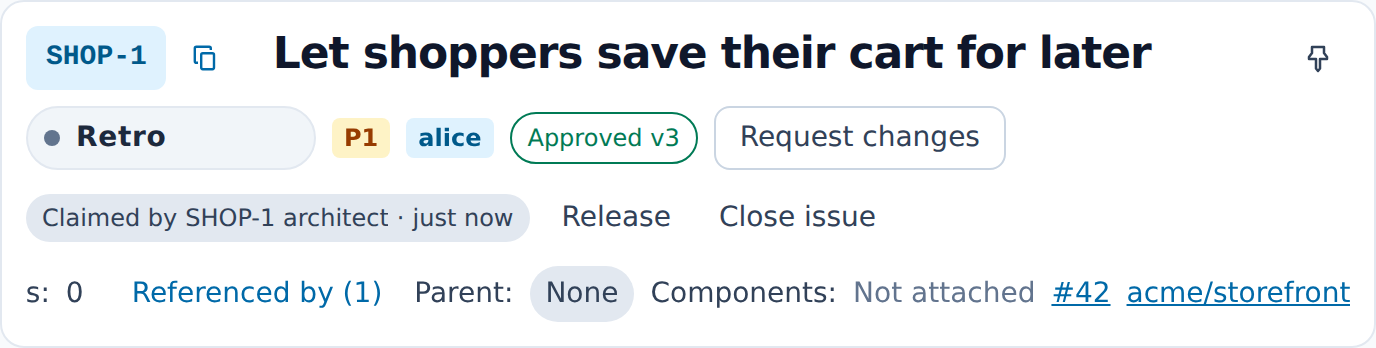
Section titled “5. The pull request”The pull request’s body follows Legion’s template: the outcome, why, the change, how it was proven, what is not proven, and later the production check. Legion’s reviewer approves it as the review App. In Dispatch, the issue’s header links the pull request.
6. READY, and the merge
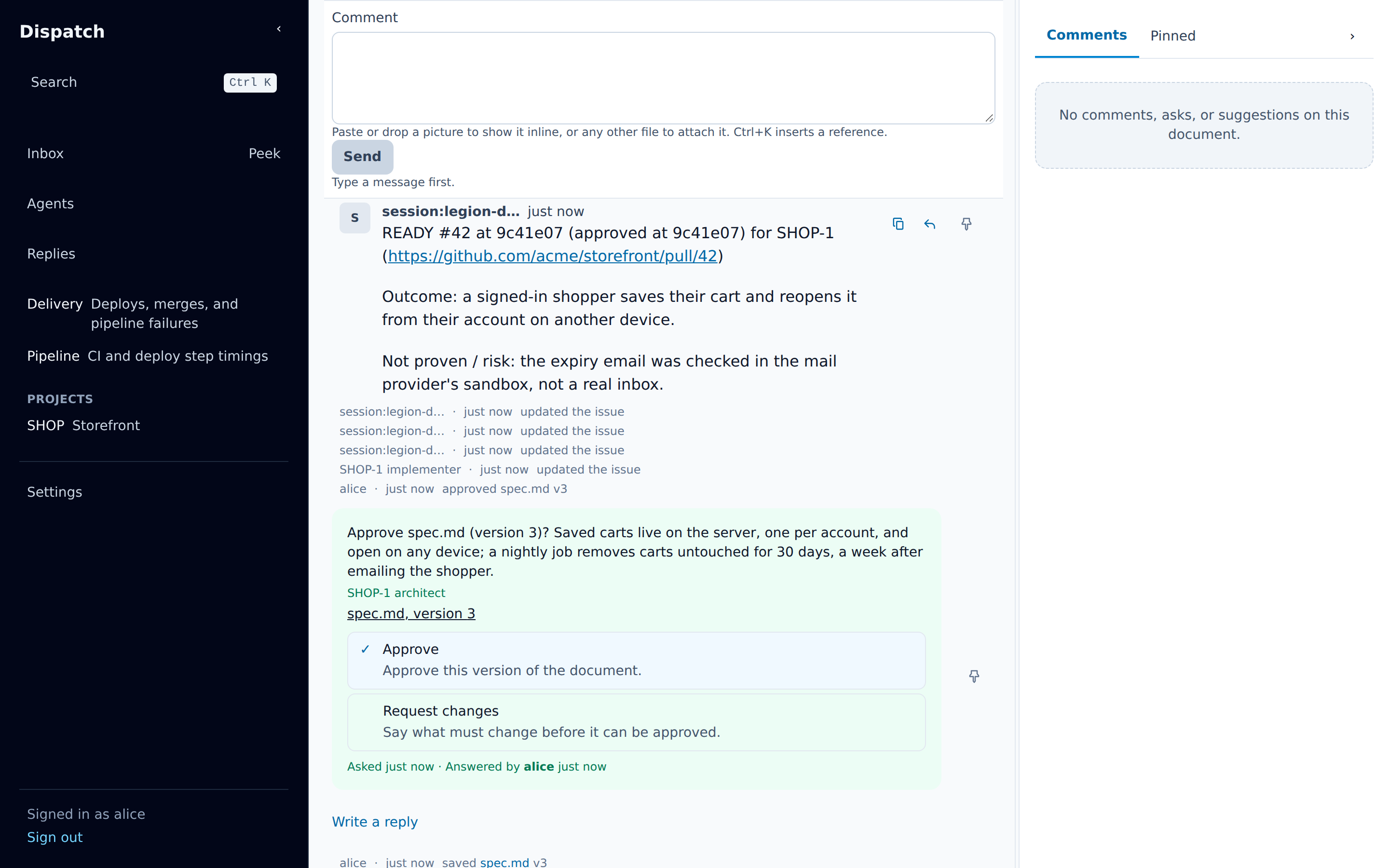
Section titled “6. READY, and the merge”The merger sends READY; the daemon checks the head against the approved one and the required
checks, posts it on the Dispatch issue, and submits its merge, which lands under the repository’s
rules.
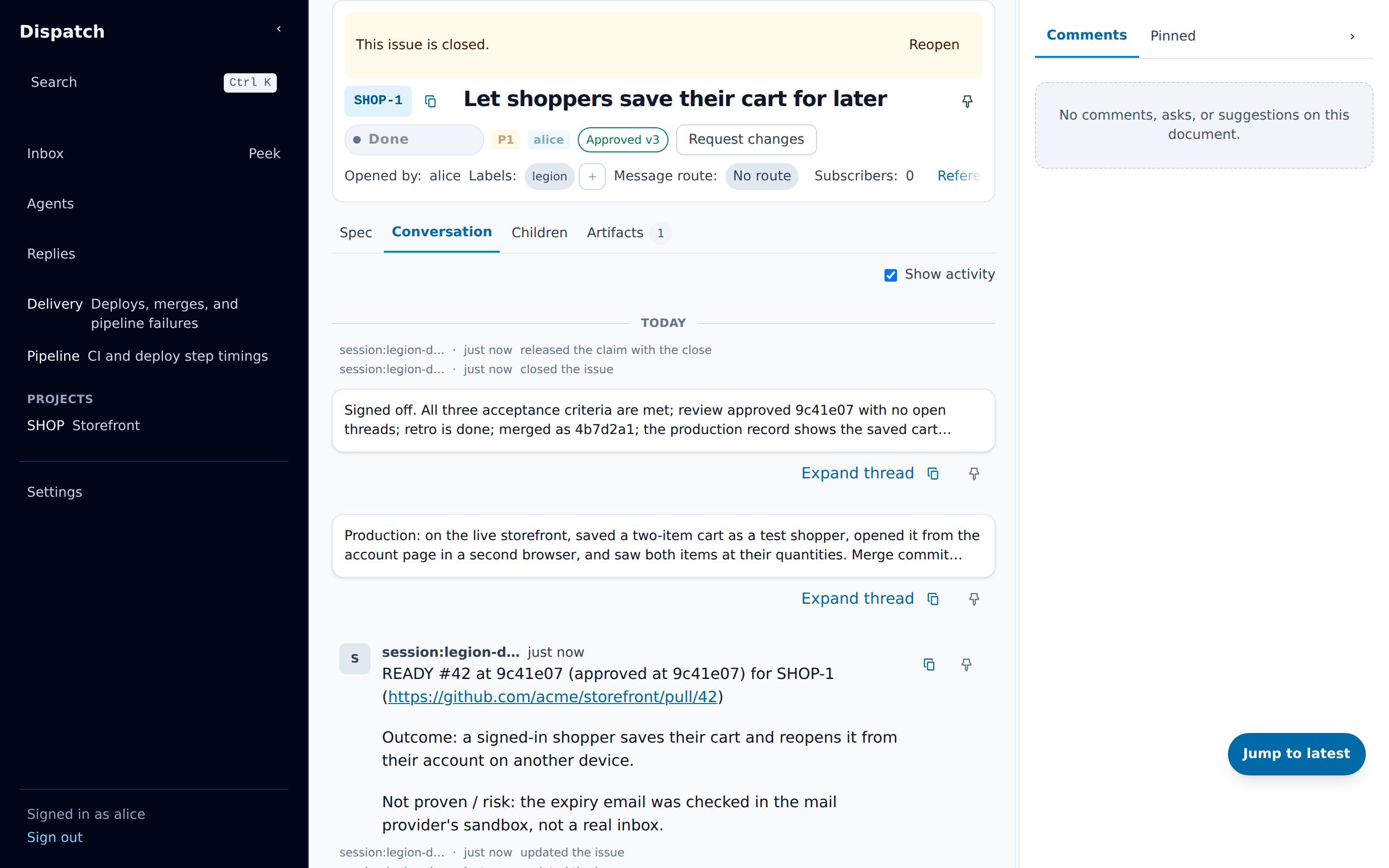
7. The production check and sign-off
Section titled “7. The production check and sign-off”After the merge the implementer checks the change in production and records it on the pull request
and the issue. The architect signs off with a comment summarizing the evidence, and the issue moves
to done.
The operator’s view
Section titled “The operator’s view”An operator’s terminal on an example daemon: legion status, legion state and
legion claims list read it, with one issue’s architect running; then legion controller start
starts the project’s controller, which registers with that same daemon. Last, the controller’s
daily report in Dispatch.